For drivers
Deliver orders and earn from the portal
From KYC to claimed jobs, delivery, and analytics — see how drivers work in the portal day to day.
Step 1
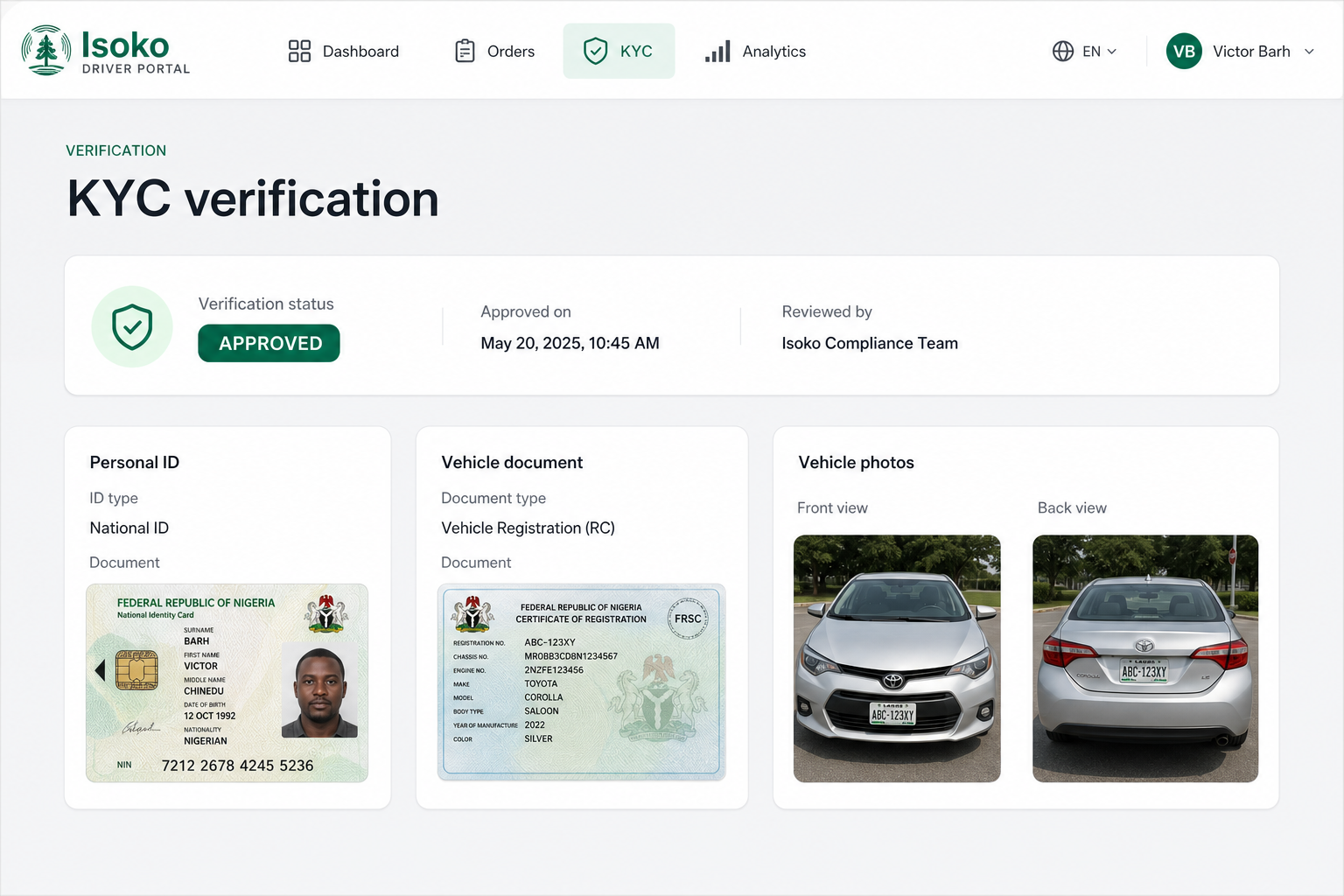
KYC verification
Upload your ID and vehicle documents so you can claim delivery jobs after approval.
- Submit personal ID, vehicle papers, and clear vehicle photos.
- Save a draft, then submit for review — we notify you on WhatsApp.
- Approved drivers can claim open jobs; rejected applications can be updated and resent.
- Status is always visible: draft, under review, approved, or rejected.
Step 2
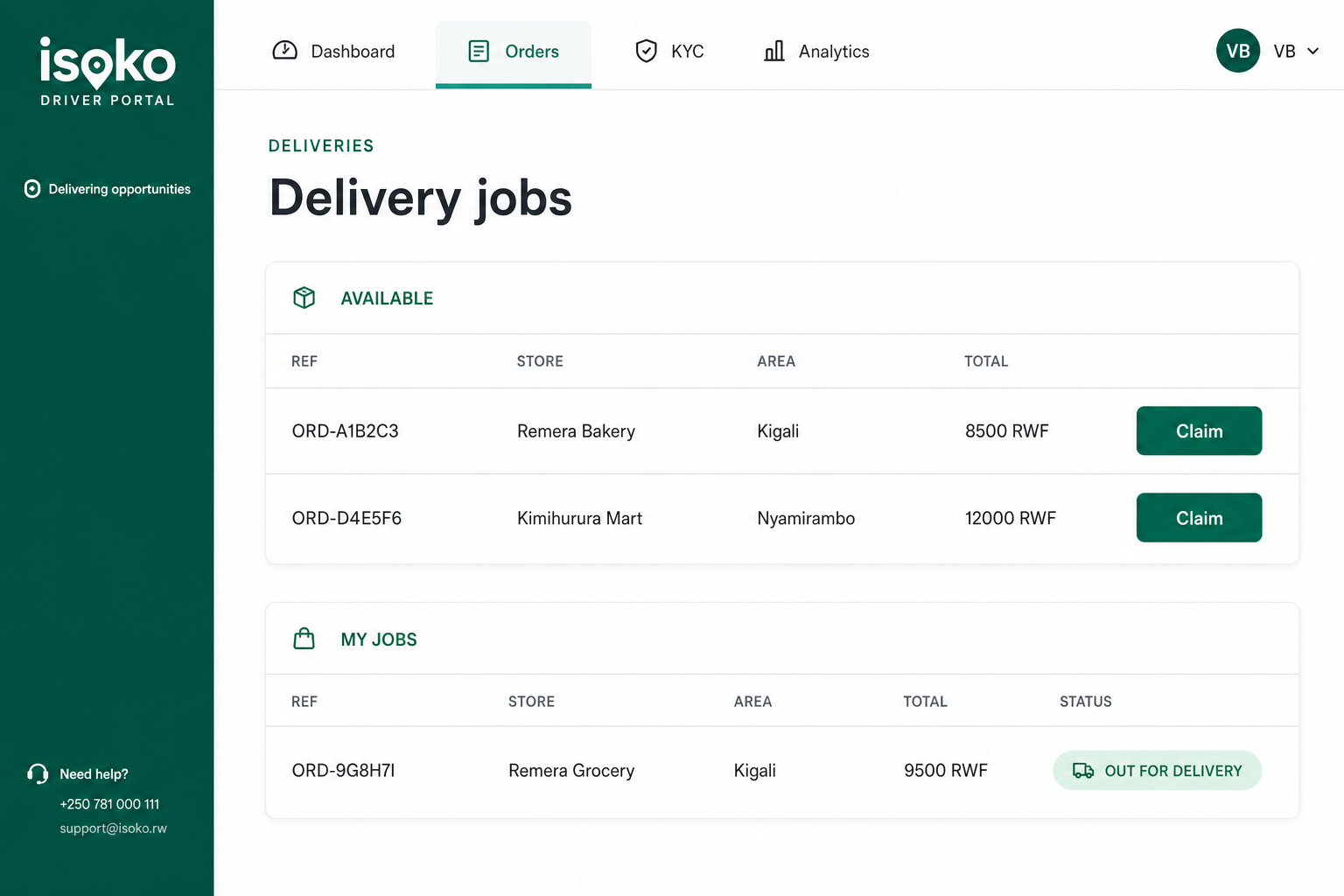
Delivery jobs
See available orders ready for delivery and claim the ones you want to take.
- Available jobs show store, area, and total so you can choose nearby work.
- Claim a job to lock it as yours — then it moves into My jobs.
- Track status pills from ready for delivery to out for delivery.
- Open any row for full customer, payment, and item details before you go.
Step 3
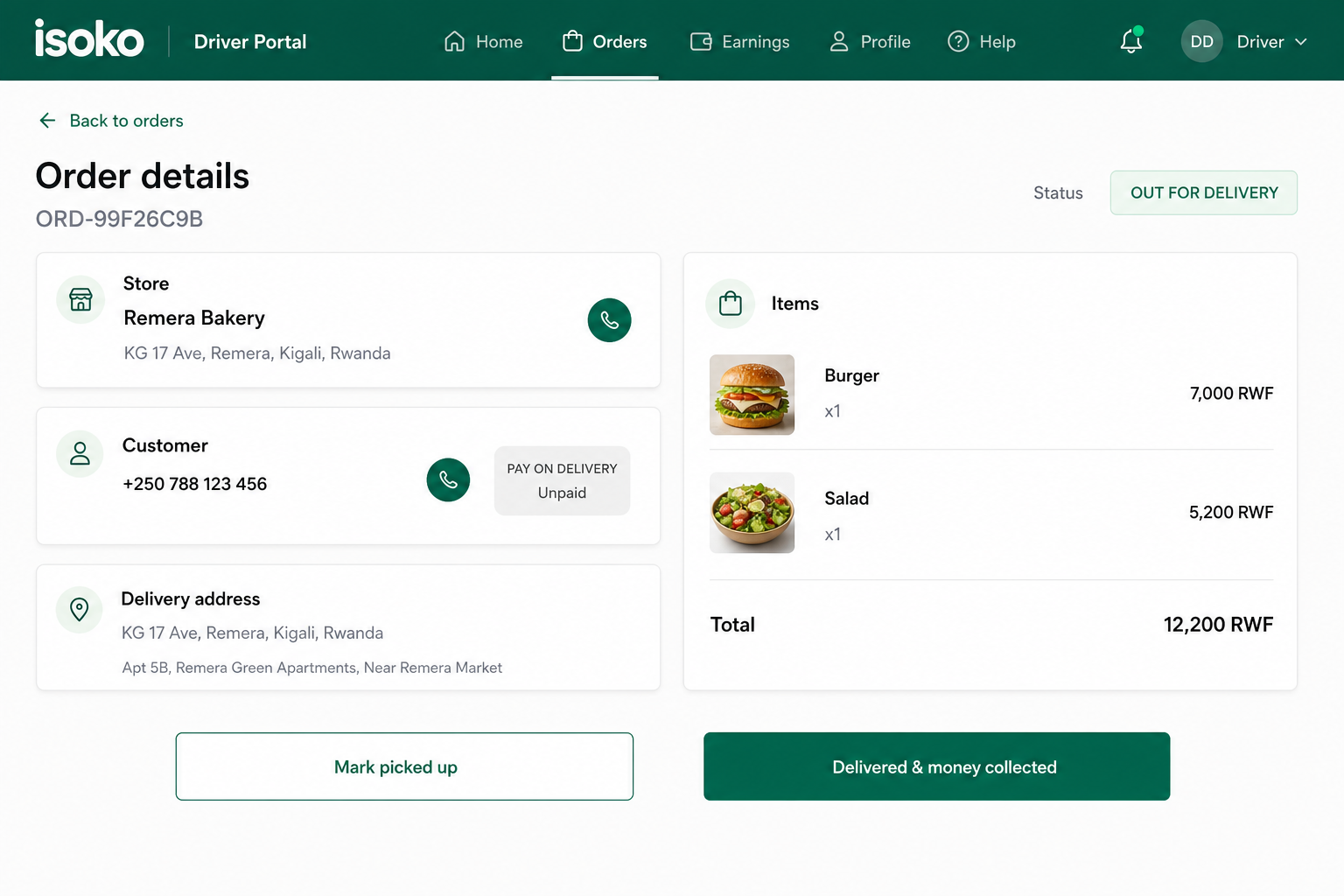
Delivery process
Run the full trip in one screen: pick up at the shop, deliver to the customer.
- After claim, mark picked up when you leave the store with the order.
- Customers get WhatsApp updates as the status moves forward.
- Mark delivered when you drop off — or collect pay-on-delivery cash when needed.
- Store address, customer phone, payment, and line items stay on the same page.
Step 4
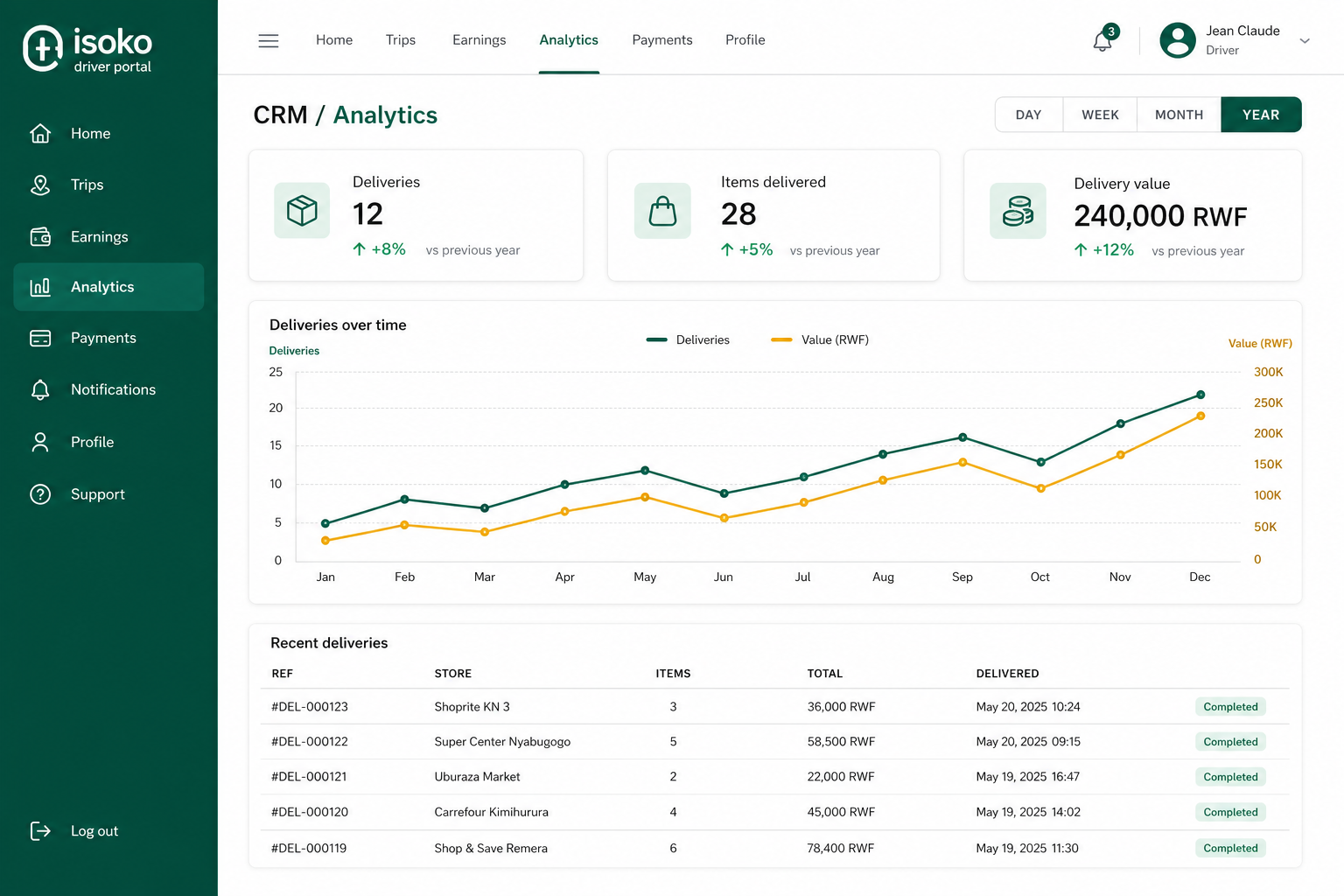
Driver analytics
Measure your deliveries by day, week, month, year — or any date range.
- KPI cards for deliveries, items delivered, and delivery value.
- Growth vs the previous period so you see if you are up or down.
- Trend chart for deliveries and value over time.
- Recent deliveries table for a quick history of completed jobs.
Ready to deliver?
Register with your WhatsApp number, finish KYC, and start claiming jobs.